n880 Login — Complete Guide to Accessing Your Account Safely
Logging in to your n880 account from mobile or computer is straightforward. On this page you will find step-by-step instructions, what to do if you forget your password, account security advice, and solutions to common problems.
Step-by-Step n880 Login from Mobile
Most Bangladeshi players use n880 on a smartphone. Following the steps below, logging in takes less than a minute.
Open your browser and go to the site
Type n880.pro into your mobile browser. Enter the site address directly — do not log in from any third-party link or unfamiliar app.
Tap the login button
You will see the "n880 Login" option at the top right of the page. Tapping it will open the login screen.
Enter your username and password
Enter the username and password you provided during registration. Pay attention to uppercase and lowercase letters, as the fields are case-sensitive.
Verify your OTP
For security, n880 may send an OTP to your registered mobile number. When you receive the OTP, type it into the designated field to confirm. Never share your OTP with anyone.
Enter your dashboard
Once you have logged in successfully, your account dashboard will appear. From there you can make a deposit, withdraw, choose a game — everything is available in one place.

n880's mobile interface is designed for use on small screens. After logging in, you can go directly to the Slots section or any other game.
How to Log In from a Computer
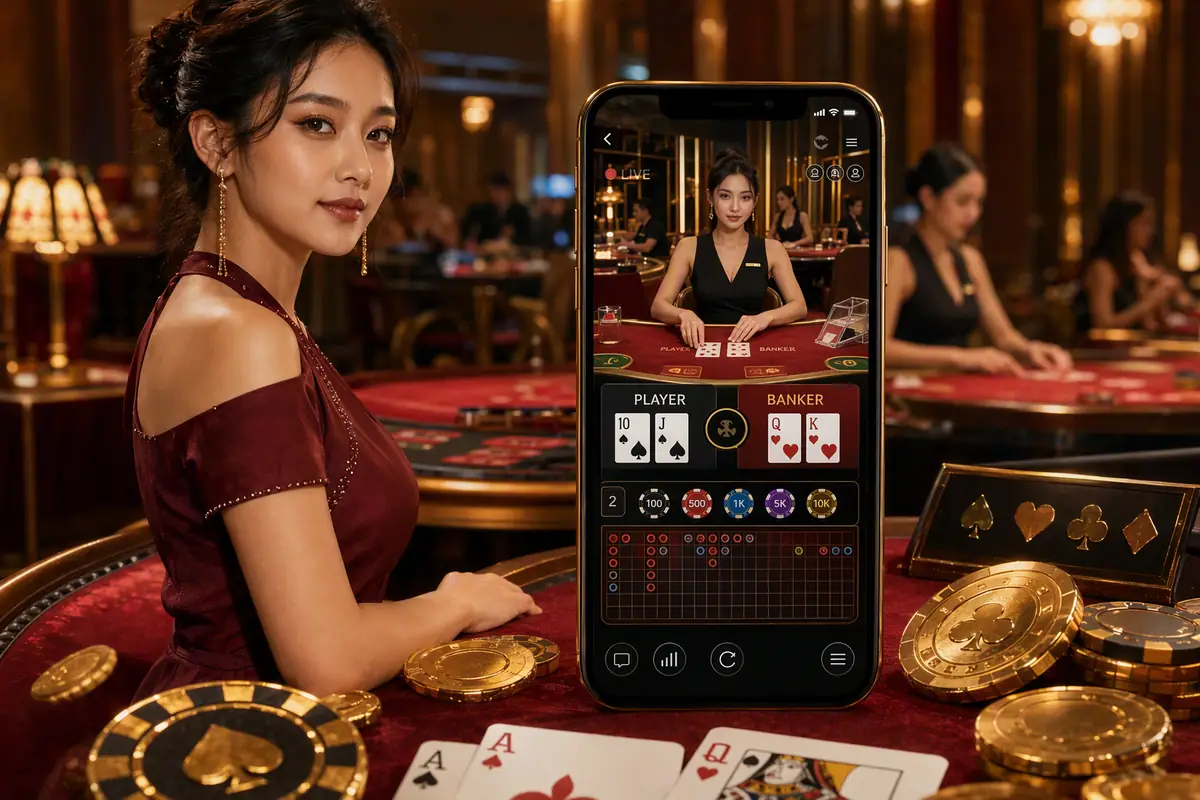
Logging in to n880 from a desktop or laptop is just as easy as on mobile. It works in any modern browser — Chrome, Firefox, or Edge.
- Type n880.pro into your browser's address bar and press Enter.
- Click the "n880 Login" button in the top right corner of the page.
- Log in with your username and password.
- Complete OTP verification if required — the code will be sent directly to your registered number.
- The "Remember me" option is convenient on a personal device — avoid it on a shared computer.
- After you are done, remember to log out of your account.
On a computer's large screen, the live game tables at n880 Casino are particularly enjoyable. A bigger display lets you see the game details much more clearly.
Password or Username What to Do If You Can't Remember

Forgetting your password when trying to log in is quite common. n880 has a simple solution for this.
Forgot your password?
Click the "Forgot Password?" link on the login page. Enter the mobile number or email you provided during registration. A reset OTP or link will be sent to you. Enter a new password — at least 8 characters, mixing numbers and special characters.
Forgot your username?
You can also log in using the email or mobile number provided during registration. If that doesn't work, contact the site's 24/7 live chat support — assistance is available in Bengali.
Changed your mobile number?
If your number has changed, contact support directly. After verifying your identity, your new number can be updated. The details you provided during registration will be useful in this case.
Account Security Important Tips
Keeping your login details secure means keeping your deposited money and bonuses safe. Even though n880 uses SSL encryption, it's important to take some precautions on your end as well.
Use a strong password
Create a password of at least 10 characters using a mix of uppercase letters, lowercase letters, numbers, and special characters. Do not use your date of birth or name as your password.
Never share your OTP
n880 and their support team will never ask you for your OTP. If anyone asks for your OTP, it's a scam attempt — report it to support immediately.
How to spot fake sites
Be careful of fake (phishing) sites that look like n880. Always type n880.pro directly into your browser — do not log in by clicking any SMS or unknown link.
Use your own device
Avoid logging into your n880 account from a friend's phone or a public computer. If you absolutely must log in, make sure to log out when done and clear your browser history.
Change your password regularly
It's good practice to change your password every few months. Do not use the same password on multiple sites.
Avoid suspicious bonus offers
If an unknown number or message asks for your login details in exchange for a "special bonus", ignore it entirely. All n880 bonus offers are available only on their official site.
General Login Issues and Solutions
Having trouble logging in? The solutions below work most of the time.
It says wrong password, but you think it's correct
Check whether Caps Lock is on. Turn off Bengali input mode and enter your password in English. If you get it wrong several times, use the "Forgot password?" option.
Account has been locked
Your account may be temporarily locked due to repeated incorrect password attempts. Wait a little while or contact support — 24/7 assistance is available in Bengali.
OTP is not arriving
Check your mobile network connection. If your message inbox is full, delete some messages. If it still hasn't arrived after a few minutes, click the "Resend" button. If the problem continues, you can request the OTP via email.
Page is not loading or showing an error
Clear your browser cache and cookies (Ctrl+Shift+Delete). Try using a different browser or device. On mobile, switch between Wi-Fi and mobile data and try again.
Logged in but balance shows zero
Refresh the page. Log out and log in again. If the problem persists, the support team will verify your account balance.

Contact the support team
If the solutions above don't work, get help in Bengali via n880's 24/7 live chat. You can also reach out by email. You'll find answers to many more issues on the FAQ page.
After logging in, start playing
On your first deposit at n880, you can get a 200% bonus of up to ৳10,000 — the wagering requirement is 20 times the bonus amount. For example: deposit ৳1,000, get a ৳2,000 bonus, your total balance becomes ৳3,000, and the wagering requirement is ৳2,000 × 20 = ৳40,000. Deposits can be made via bKash, Nagad, and Rocket, starting from a minimum of ৳200. Withdrawals are usually completed within 5–30 minutes.
After logging in, you can place bets on BPL, IPL, and T20 matches in the cricket betting section. Joining the VIP program gives you weekly cashback — five tiers from Bronze to Diamond.
Sign in to your n880 account right now
Log in securely from any device — mobile or computer — and enjoy all games and betting features.
Go to n880 Login page